Give any image a retro print look with dots, lines or hand-style stippling. Export it as SVG or PNG.
Drop your photo here
or click to choose a file. You can also paste an image. PNG, JPG, WebP or GIF.
Your photo stays on your device. Nothing uploads to our server.
How to use it
- Upload your image.
- Choose dots, lines or stipple and set the size.
- Download it as SVG or PNG.
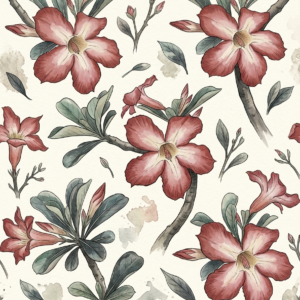
Tip: Stippling works beautifully on botanical drawings. It gives them an old natural-history-book feel.
Everything runs in your own browser, so it is quick and completely free.
You might also like
Image to Vector · Seamless Pattern Maker · See all tools
Try it on a free pattern
Every pattern in the shop is free to download. Grab one and see what you can make with it.